01 · Fan deckNew
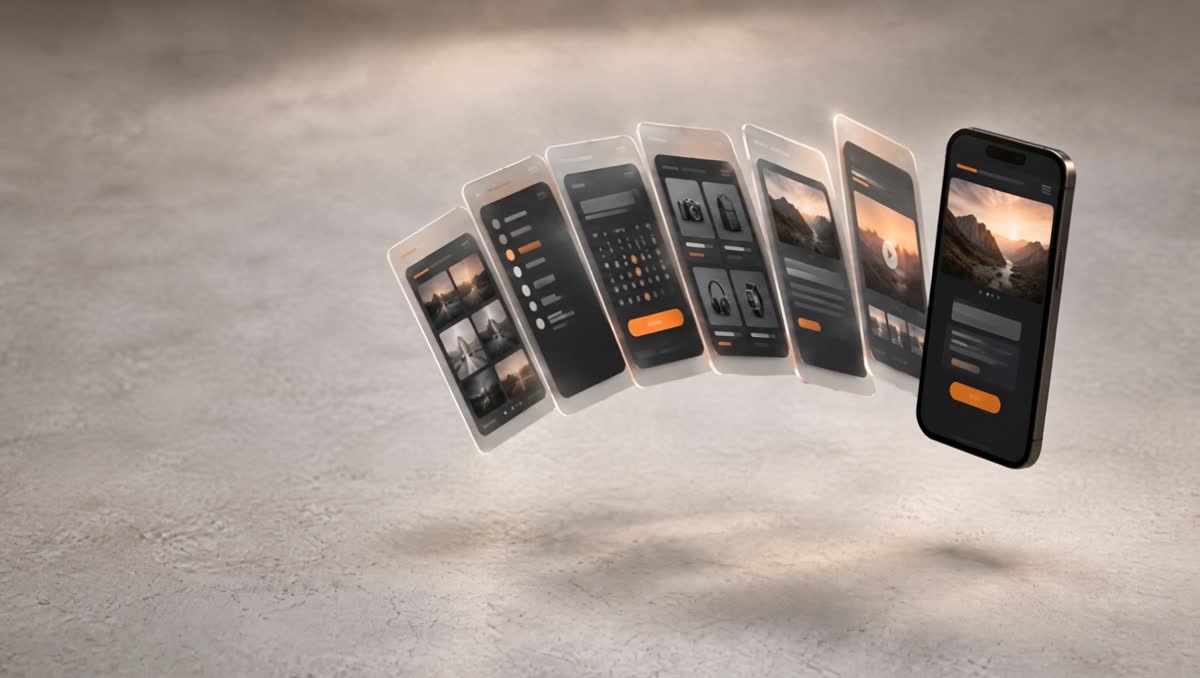
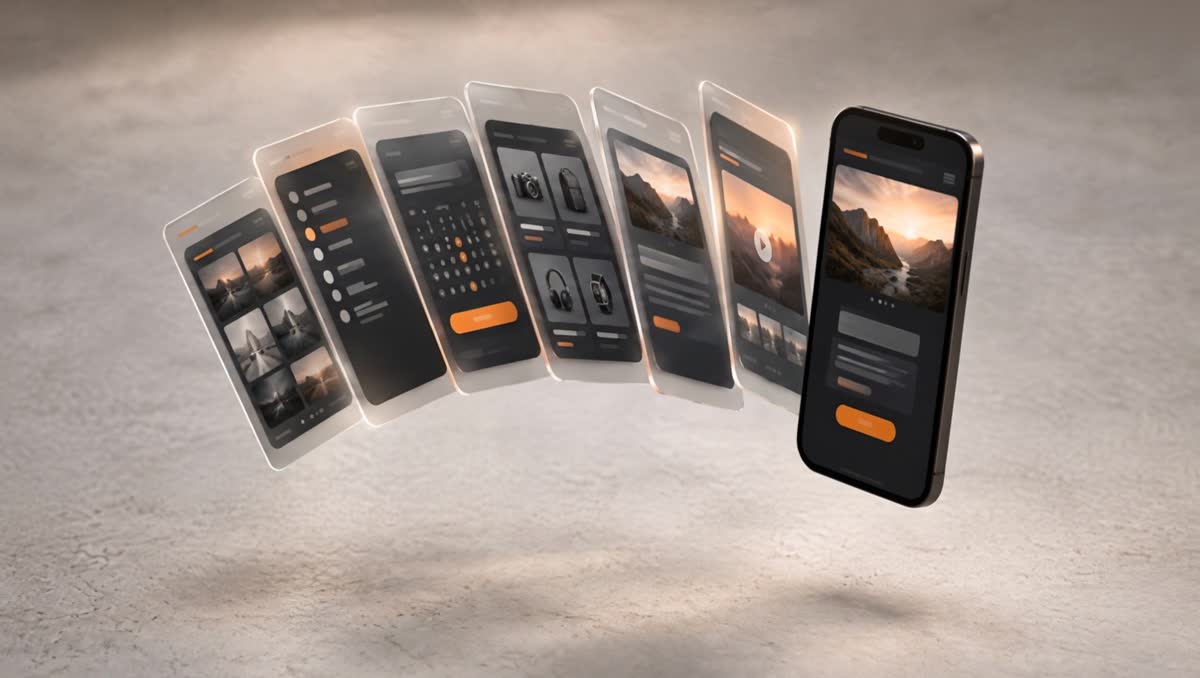
A stack of cards that deals itself into a fan as you scroll. Hover one and it lifts out of the hand.
This page IS the demo. Every effect below is running live, right here — and every one of them can be on your site. Scroll.
A stack of cards that deals itself into a fan as you scroll. Hover one and it lifts out of the hand.
A 3D ring of your work that slowly turns on its own. Grab it and spin it — it carries momentum like a real wheel.
A real-time shader — liquid color that drifts on its own and leans toward your cursor. No video file, nearly zero weight. Try another finish:
A small framed film grows until it fills the whole screen, pushing the headline apart as it comes.
Built from your sketch, your photos and your words — live within a week.
Scroll and the camera flies forward through a corridor of work — client sites and studio shots rushing past.
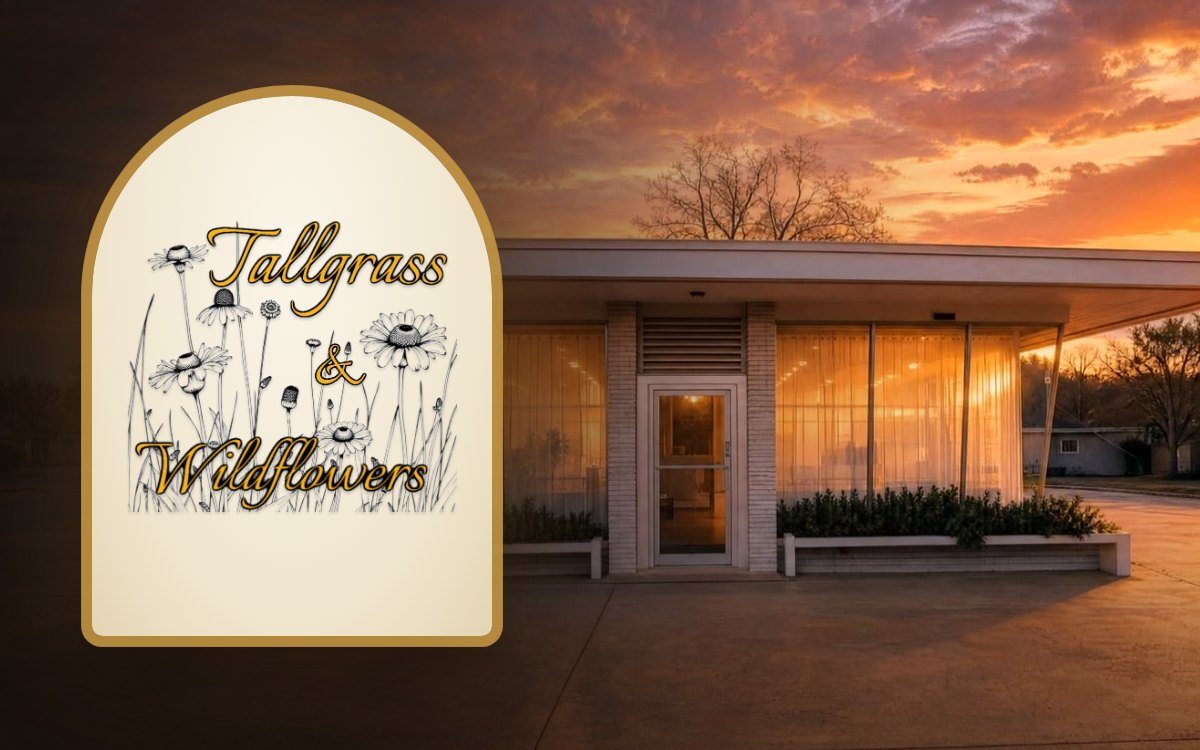 Tallgrass & Wildflowers
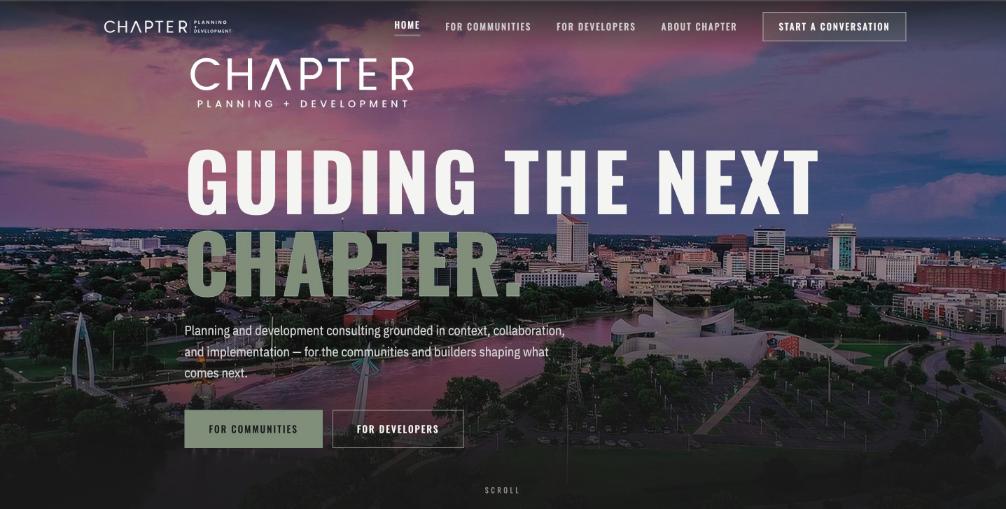 Chapter Planning + Development
 Spectra Peptides
 Holt Brothers Mobile RV
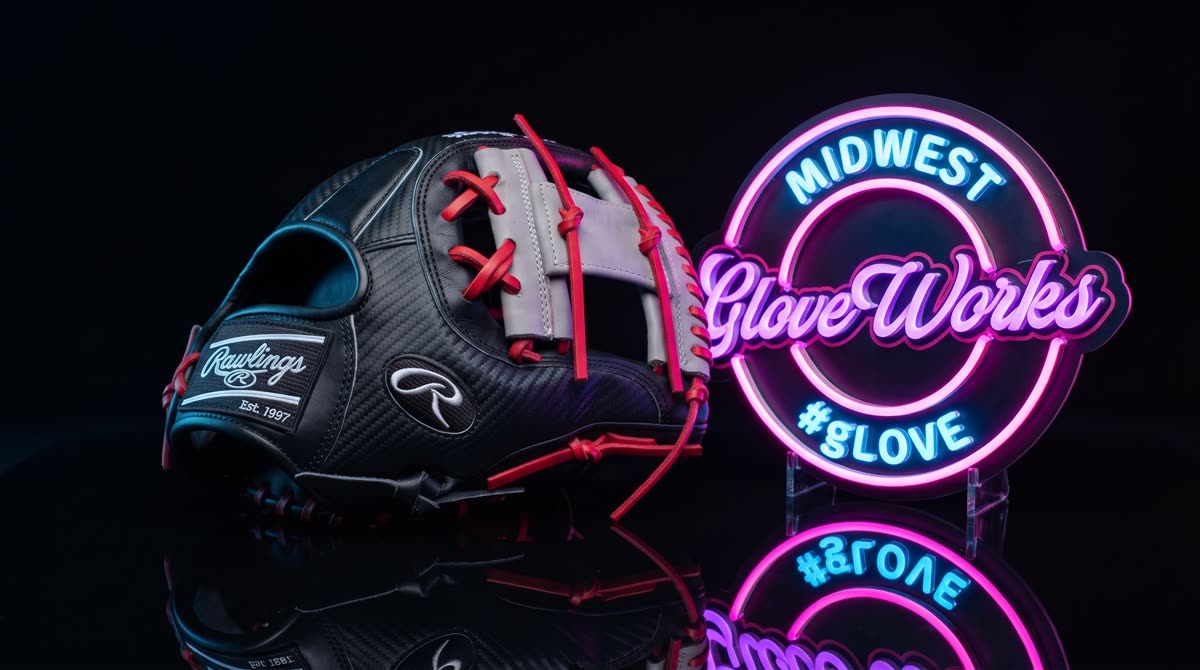 Midwest GloveWorks
 ICT Glove Lab
Hover (or tap) a folder — it tips open and fans out the work inside. A tidy way to show categories.
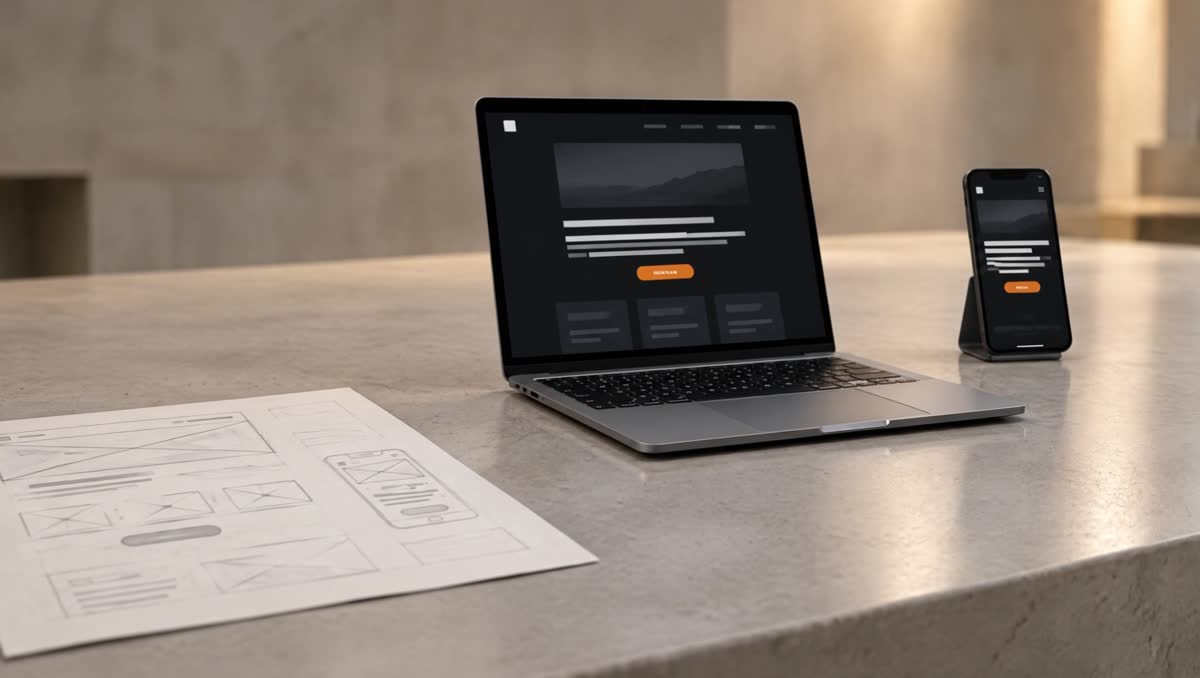
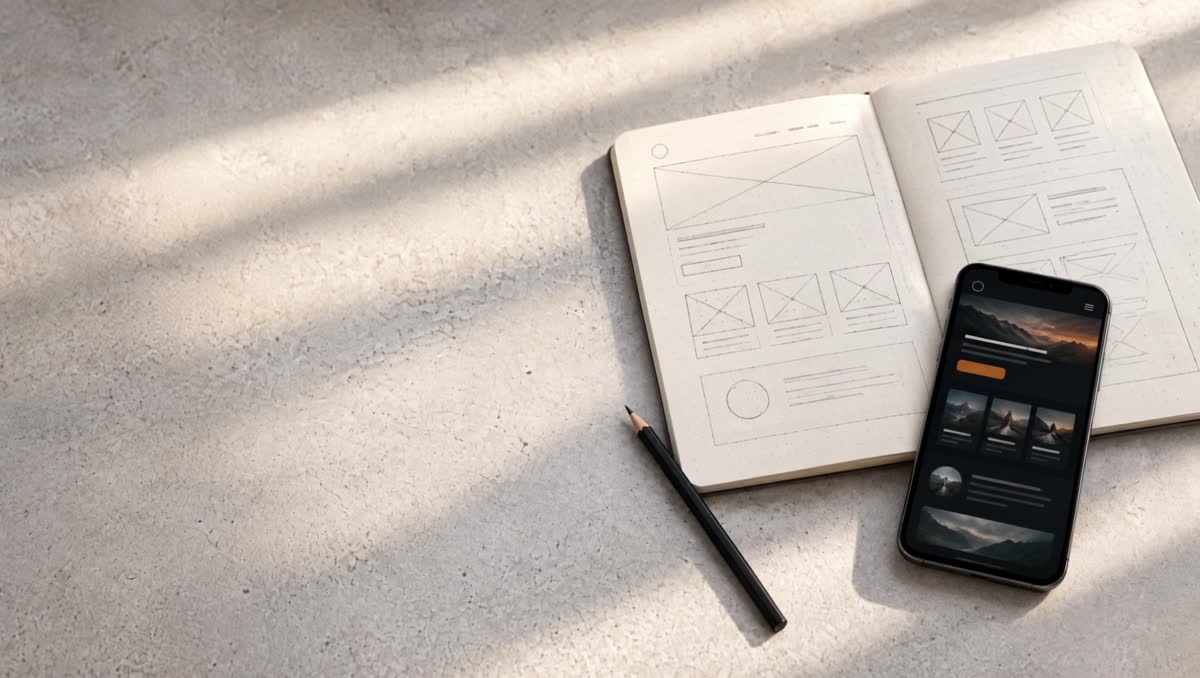

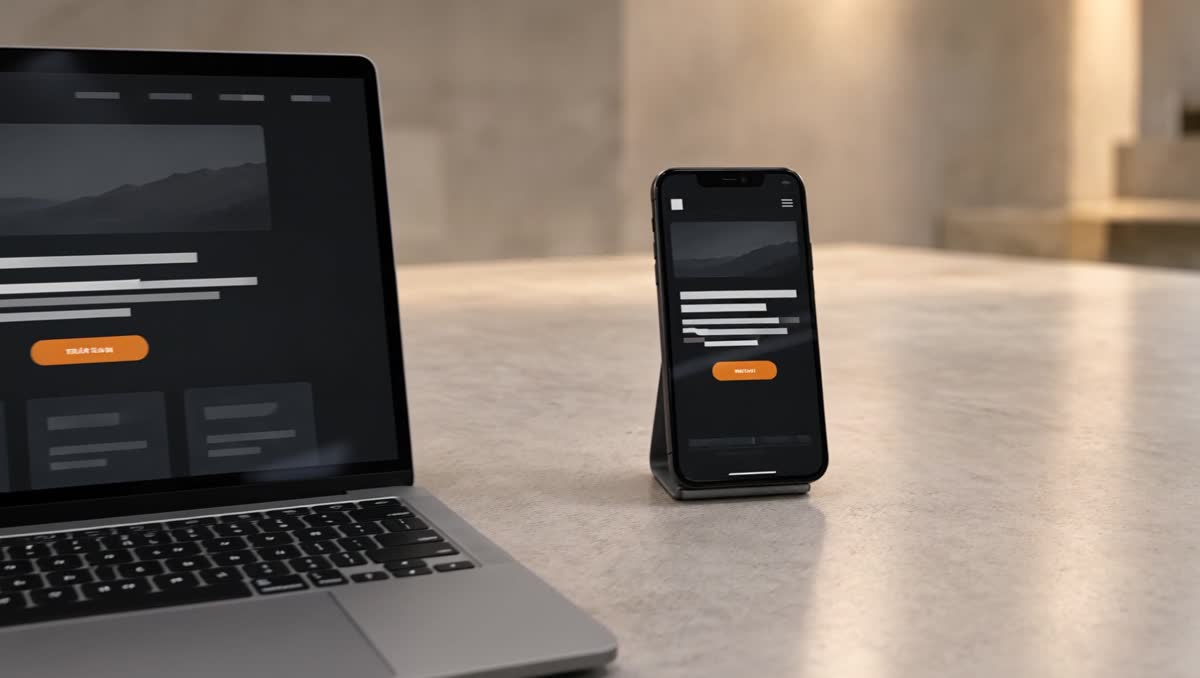

One video melts into the next as you scroll. Keep scrolling through this scene.
Right now we're in espresso. Keep going — and scroll back up any time; it changes in both directions.
The entire page swept light without loading anything new. Perfect for taking a story from night to day — or a menu from dinner to brunch.
Three moods, one page, zero page-loads. Your brand colors could do exactly this.
The page locks and slides sideways through a filmstrip — then lets go. Keep scrolling.
Live footage playing inside giant type — your name, filled with your work.
A warm light follows your cursor and reveals what's underneath. On phones, it follows your finger.
Cards that tilt in 3D, buttons that lean toward your cursor, numbers that hammer up when they enter view.
Hover and move around — this card follows in 3D perspective.
Subtle, not gimmicky. It makes work galleries feel alive.
Drag the handle. Perfect for renovations, detailing, salons, glove work — anything with a transformation.
The visual stays put and plays forward as you scroll — the story lands step by step, and the film finishes exactly on the last one.
Stills until your cursor lands — then they come alive. Great for products, gallery work, and merch.
Headlines that cascade in letter by letter when they hit the screen.
You are the playhead — the film only moves when you do. Scroll slow, scroll fast, scroll backwards.
Hover a card and it flips in 3D to show the other side — services on the front, details on the back. Tap on phones.
Calendar, deposits, confirmation emails — customers book while you sleep.
Prices on the front, story on the back — update it yourself in minutes.
Any card on your site can carry a second side — details without the clutter.
Headlines that unscramble themselves into place when they hit the screen.
Tap a theme — the whole section re-skins itself instantly. Seasonal looks, day/night modes, or A/B testing your brand colors.
Same content, new clothes — changed live, no reload.
Each card climbs the screen and parks on top of the last — a deck that deals itself as you scroll.
Each card is a chapter — services, story, proof, offer — dealt one on top of the other so visitors read everything in order.
Stack your packages so each one lands on the last — by the end, the visitor has seen every option without ever feeling like a wall of text.
Reviews, before/afters, and real numbers stack in right when trust matters most — after they know what you do.
Pricing, timelines, FAQs — the questions that stop people from calling get answered card by card.
The last card in the deck is always the ask — book, call, order — sitting on top of everything they just read.
Your work follows the visitor's cursor — a gallery that happens to them.
Links that show instead of tell — hover the laptop film or the three tiers and a live preview follows your cursor. On phones, they open normally.
Underlines, dividers, route maps, signatures — drawn stroke by stroke as you arrive.
Headlines that drop in and land with a thud — each word falls, bounces, and settles.
Grab it and throw it — a gallery with momentum, like flipping through prints on a table.
A field of brass points that bends toward your cursor like fabric. Drag your mouse through it.
The headline flies in from a hundred directions and locks together as you scroll — and shatters again on the way back up.
Scroll slowly — the words light up as you go, pulling the reader through your story line by line. Scroll back up and it rewinds.
Most visitors skim. A guided highlight walks them through the words that matter — your promise, your proof, your price — at exactly the pace they scroll. Nobody skims a sentence that is lighting up in front of them. By the time the last word glows, they have read every single one.
Move your cursor — it cuts a hole in the page and shows the film running underneath.
A scene with real depth — move your mouse and look around inside it like a shadow box.
Saw something you like? Hit "I want this" on it and it lands in your free mockup request.